
Service
Customer and supplier portal development
Every “can you resend the statement?” call is a portal feature you don’t have yet. We build customer and supplier portals that let your B2B relationships serve themselves — orders, documents, statuses and history behind a secure login.
Updated July 2026
Problems this solves
01
Staff spend hours a week resending invoices, statements and certificates.
02
Repeat customers phone in the same orders instead of placing them.
03
Suppliers email documents that then live in inboxes, not systems.
04
Clients cannot see job or order status without calling.
05
Switching to a competitor is easy because nothing binds the relationship.
Relevant proof
Authenticated access to records, documents, requests and statuses.
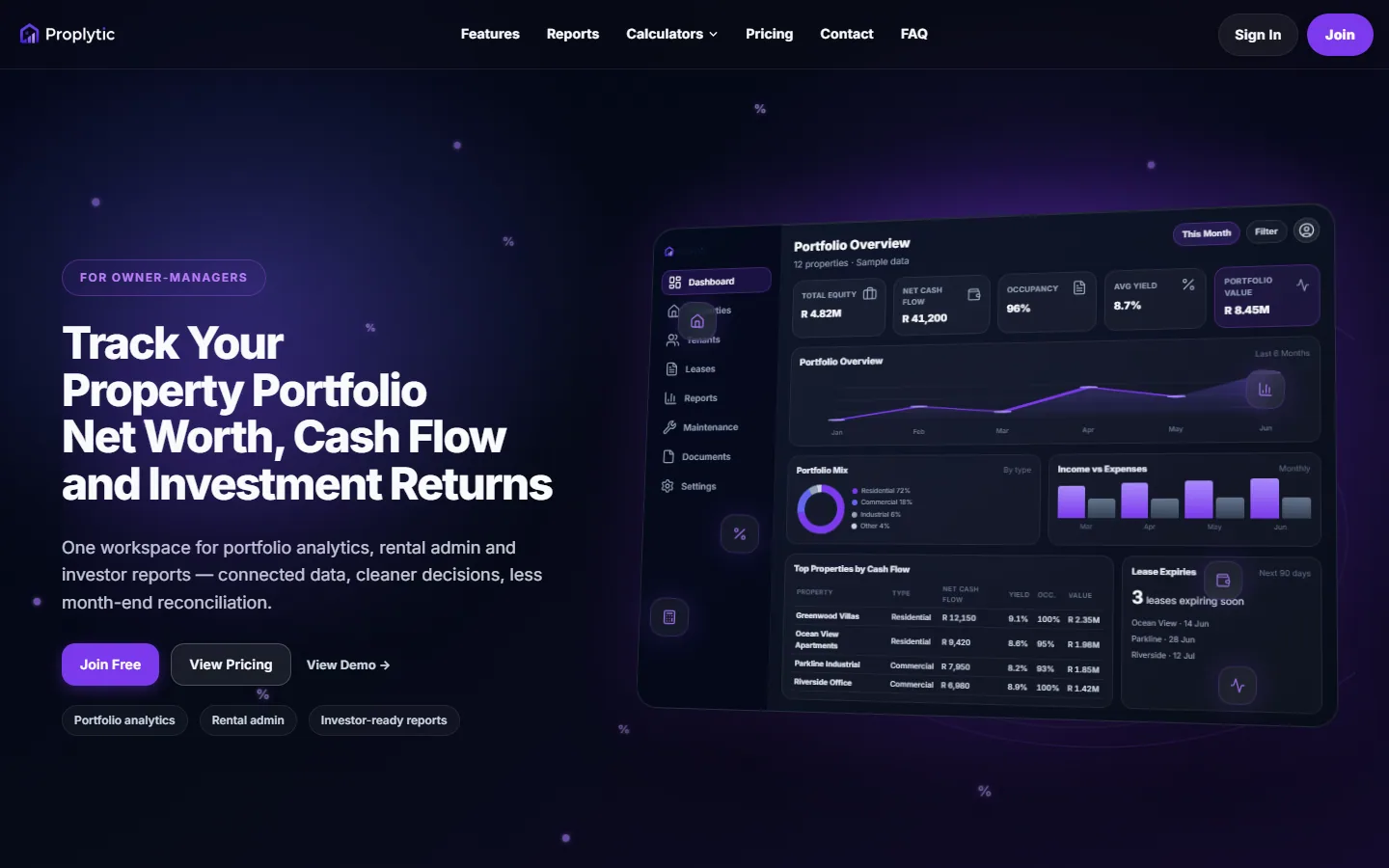
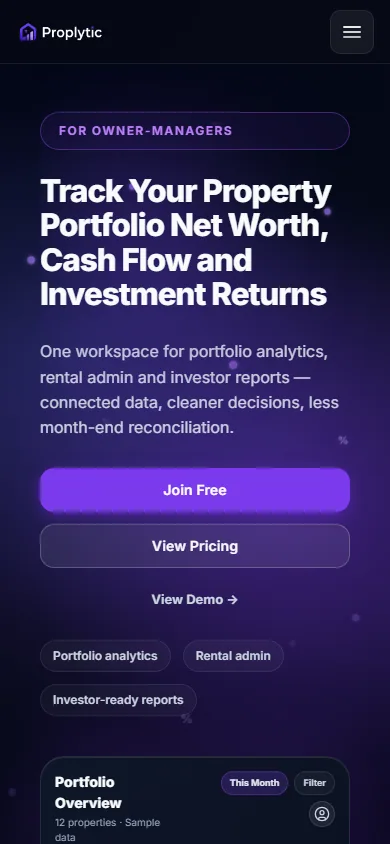
Internal product
Proplytic: property portfolio software
Account-gated application surfaces for portfolio data, documents and operational status.
Illustrative workflow
How portal and admin access is organised
Authenticated systems need clear roles, records and notifications — not a public brochure page with a login bolted on.
Authentication
Signed-in users only — sessions and password reset handled properly.
Role permissions
Staff, customers or suppliers see only what their role allows.
Records
Structured entities (jobs, properties, orders) replace spreadsheet tabs.
Documents
Uploads and downloads attached to the right record.
Requests
Quotes, support tickets or change requests enter a queue.
Statuses
Everyone sees the same stage — no “final_v7” folklore.
Notifications
Email or in-app alerts when something needs action.
Reporting
Exports and dashboards for the numbers you actually manage by.
What's included
01
Secure login portal for customers and/or suppliers
02
Self-service documents: invoices, statements, certificates, spec sheets
03
Repeat ordering or booking against account terms where applicable
04
Live job/order status with notification emails
05
Supplier onboarding and document-expiry workflows where relevant
06
Role-based access mapped to your account structures
07
Admin side for your team to manage everything without a developer
08
POPIA-conscious data handling and retention design
What's not included
Clear exclusions protect your budget and our working relationship — anything below can be scoped separately when you need it:
01
Public marketing content — portals are logged-in tools (your website handles marketing)
02
Full ERP replacement — portals integrate with or sit alongside your systems
Pricing and packages
This service is available as Custom web system, with indicative ranges published openly on our pricing page. Every project gets a fixed, itemised quote after one scoping conversation.
Frequently asked questions
Will customers actually use a portal?
They will if it is faster than phoning — which is the design bar we build to. Adoption comes from launching with the two or three actions your customers repeat most (statement download, repeat order, job status) and putting the portal link in every email footer and invoice.
Portal or admin panel — what is the difference?
The admin panel is your team’s internal engine; the portal is the secure window your customers or suppliers see. They usually share one database — many clients start with the panel and add the portal once internal data is structured.
Related pages
Talk it through with the person who would build it
Tell us what you need and get a straight answer — clear scope, indicative pricing and a fixed quote after one scoping conversation.